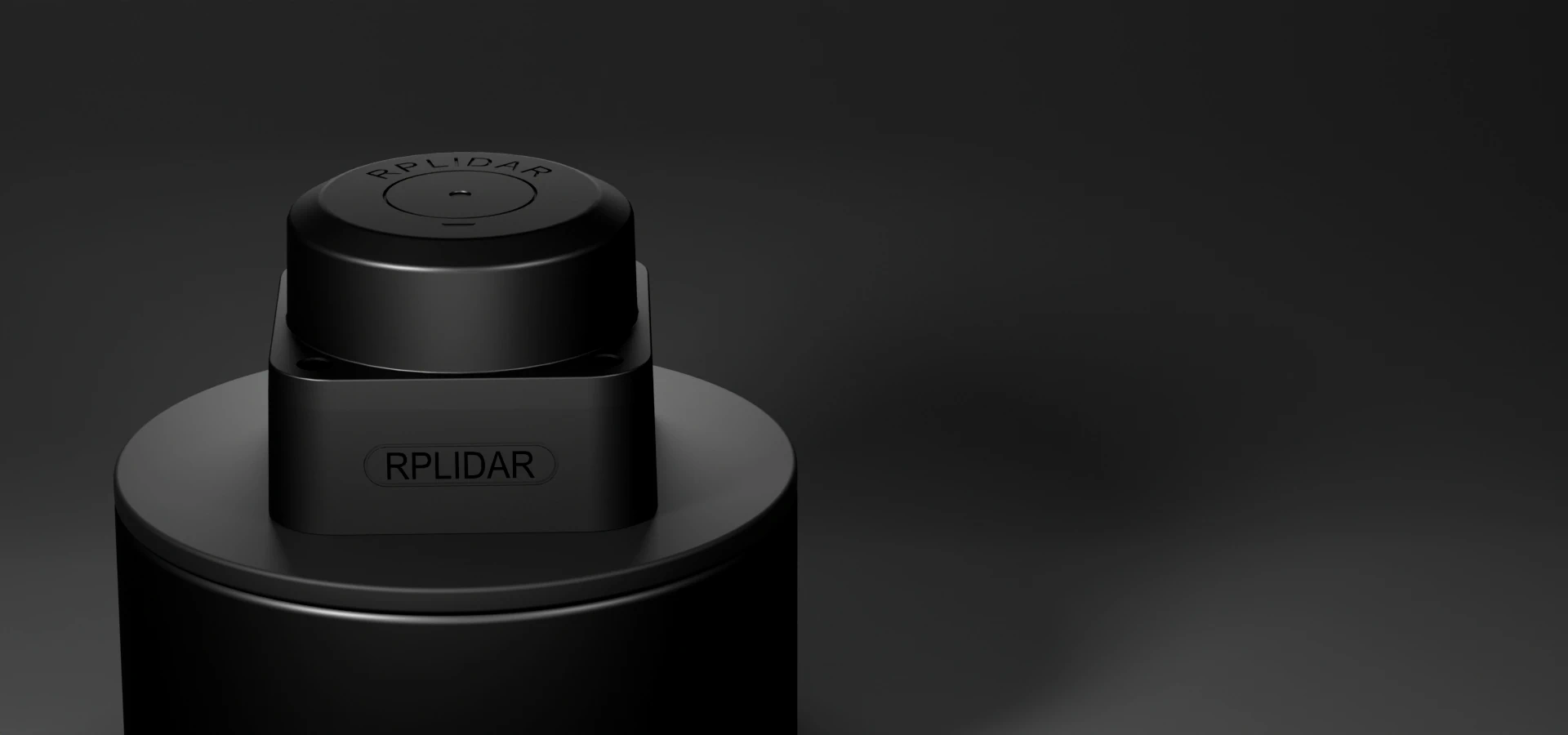
2D Navigation LiDAR for Mobile Robots

Compare 2D scanners for a scan plane around a mobile robot. Review the listed A3, S2, S2E and C1 configurations, then choose around near obstacles, target surfaces, scan timing, installation height and the host connection.

Choose a manufacturer, then narrow the requirements for this product type.

HOST CONNECTION

Automotive Ethernet needs a compatible host or media converter.

INTERFACE
Showing 4 of 4 models
Select up to 3 models to request together.
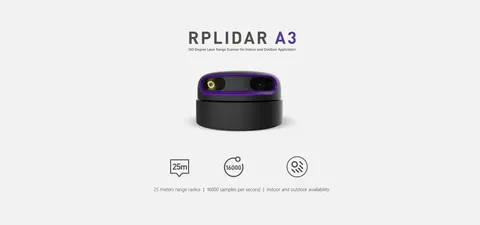
SLAMTEC RPLIDAR A3
Type
Triangulation 2D SLAM lidar
Range
25 m (white target, enhanced mode) / 20 m outdoor mode
Range Accuracy
1% (<=3 m), 2% (3-5 m), 2.5% (5-25 m)
Price on request

SLAMTEC RPLIDAR C1
Conditional range
0.05–12 m at 70%; 0.05–6 m at 10% reflectivity
Sampling / scan
5,000 samples/s; 10 Hz typical rotation
Native interface
3.3 V TTL UART, 460800 baud; 5 V sensor supply
Price on request

Compare 4 matching models

ModelRange / conditionsSampling / modeScan rate / conditionsAngular resolution / conditionsIP ratingInterface / configurationHost connectionQuote
SLAMTEC RPLIDAR A325 m (white target, enhanced mode) / 20 m outdoor mode16,000 samples/s (enhanced) / 10,000 (outdoor)10 Hz (adjustable 5-15 Hz)0.225 degRequest specificationTTL UARTUARTQuote
SLAMTEC RPLIDAR S20.05-30 m (90% reflectivity); up to 50 m on S2P32,000 samples/s10 Hz typical0.1125 degIP65Serial (S2/S2L/S2P) or Ethernet (S2E)Request specificationQuote
SLAMTEC RPLIDAR S2ERequest specification32,000 samples/sRequest specificationRequest specificationIP65EthernetEthernet — port to confirmQuote
SLAMTEC RPLIDAR C10.05–12 m at 70% reflectivity; 0.05–6 m at 10%5,000 samples/s8–12 Hz; 10 Hz typical0.72° typical at 10 HzIP543.3 V TTL UART at 460800 baud, 8N1; USB requires an adapterUARTQuote

Compare the listed configurations. Confirm required options, operating conditions and current pricing with your quotation.

Compare the same configuration and operating conditions. Reference prices exclude the final accessory and delivery package.

Plan the scanner connection

  1. Host & driver
  2. Host adapter, if needed
  3. Data cable
  4. Scanner & mount
  5. Power & harness

This is a quotation component list. Use the selected scanner's electrical levels, connectors and supply specification for the connection drawing.

Request an itemized package →

2D Navigation LiDAR FAQ

Which range figure should I use for navigation?

Keep target reflectivity and operating mode with the range. The listed A3 range distinguishes enhanced and outdoor modes; S2 family notes distinguish S2 and S2P. C1 reports separate ranges for 70% and 10% reflectivity. Open each model's documentation before choosing the configuration.

How should I plan detection near the base?

Draw the scan plane at the intended mounting height, including the robot body and nearby fixtures. Define the closest obstacle and smallest target that matters to the route. Check coverage and blind zones with those targets at the proposed mounting position.

What belongs in a scanner installation package?

Specify the exact scanner suffix, power supply and harness, data cable, mount and host driver. For a serial connection, name the electrical level and any host adapter. For Ethernet, name the fitted connector and power arrangement. S2 and S2E should remain separate configurations in the quotation.

What should a route evaluation record?

Use the proposed mounting position and representative dark, reflective and narrow targets along the route. Record scan settings, missed obstacles, localization loss and recovery. Include the host computer, driver version and timestamp method with the sample scan data.

Need pricing or a compatibility check? Share your model, application and destination. We’ll review the requirements and confirm the next steps.

Request a quote
Chat